DevOps Training Material
Accessing a Remote Cloud VM via PowerShell Remote (Azure, AWS EC2 Instance etc)
Steps to be performed on Portal or via cloud mgmt PS module (Azure/AWS)
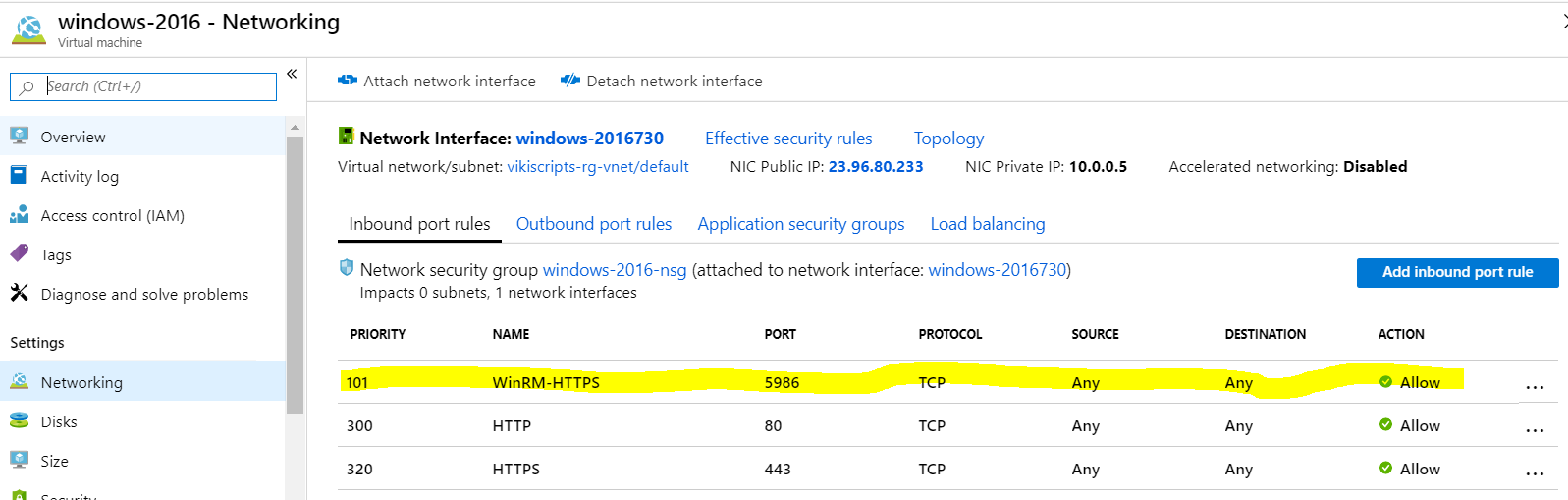
- Open WinRM Port on your security group configuration (Below example on azure portal)
Steps to be performed on cloud VM Instance
# Config winrm
winrm quickconfig
# Enable PS remoting
Enable-PSRemoting -Verbose
# Create a Local cert
$cert = New-SelfSignedCertificate -CertStoreLocation Cert:\LocalMachine\My -DnsName $env:COMPUTERNAME
# Add cert to wsman localhost
New-Item -Path WSMan:\localhost\Listener -Transport HTTPS -Address * -CertificateThumbPrint $cert.Thumbprint -Force
# Add a new firewall rule on OS
New-NetFirewallRule -DisplayName 'WinRM HTTPS-In' -Name 'WinRM HTTPS-In' -Profile any -LocalPort 5986 -Protocol TCP
Steps to be performed on Local machine (Typically Your laptop)
# Config winrm
winrm quickconfig
$IP = "10.10.10.10"
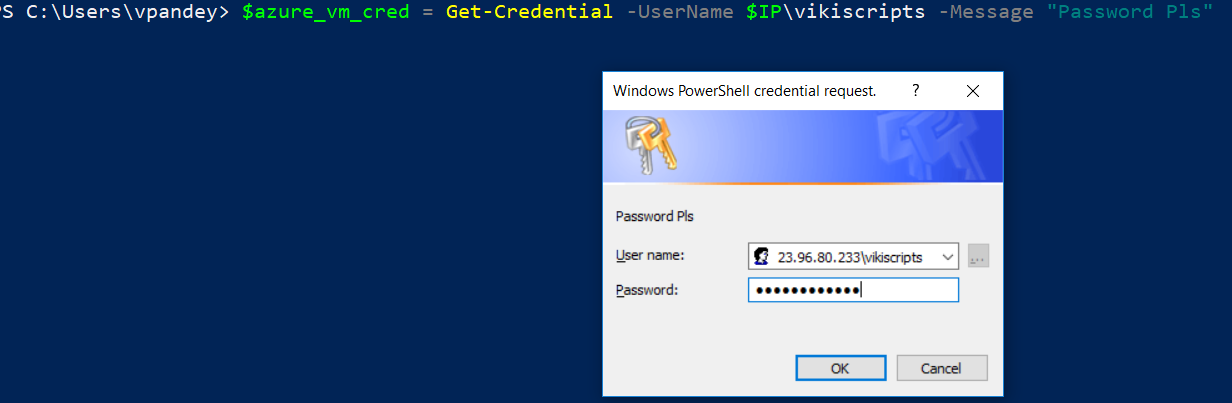
$azure_vm_cred = Get-Credential -UserName "$IP\vikiscripts" -Message "Password Pls"
# Add the cloud instance ip to your trusted host
Set-Item WSMan:\localhost\Client\TrustedHosts -Value $IP
# connect
Enter-PSSession -ComputerName $IP -Credential $azure_vm_cred -SessionOption (New-PSSessionOption -SkipCACheck -SkipCNCheck -SkipRevocationCheck) -UseSSL

# OR

Enter-PSSession -ConnectionUri https://"$IP":5986 -Credential $azure_vm_cred -SessionOption (New-PSSessionOption -SkipCACheck -SkipCNCheck -SkipRevocationCheck) -Authentication Negotiate