# Installation
sudo snap install microk8s --classic

# get the nodes available | your own hostname should appear
microk8s.kubectl get nodes

# status
microk8s.status

# enable add-ons
microk8s.enable dns dashboard
microk8s.status

# have look what all services are running in
watch microk8s.kubectl get all --all-namespaces

# Create a new deployment for ngnix pod
microk8s.kubectl create deployment nginx --image=nginx:1.7.9

# Scale up/down if needed
microk8s.kubectl scale --replicas=3 deployment nginx

# Look where pod is running
microk8s.kubectl get pods -o wide

#----------------------------------------output-----------------------------------------------------------------
NAME                    READY   STATUS    RESTARTS   AGE   IP          NODE     NOMINATED NODE   READINESS GATES
nginx-59bd9cff8-97kxj   1/1     Running   0          11m   10.1.1.18   host02   <none>           <none>
#----------------------------------------output-----------------------------------------------------------------

# Curl POD IP
curl 10.1.1.18

#----------------------------------------output-----------------------------------------------------------------
vagrant@host02:~$ curl 10.1.1.18
<!DOCTYPE html>
<html>
<head>
<title>Welcome to nginx!</title>
#----------------------------------------output-----------------------------------------------------------------


# Create a service to interact from outside world
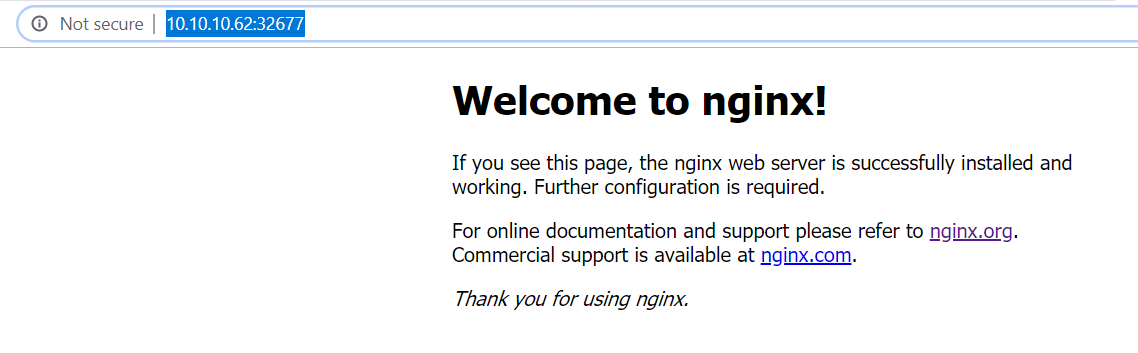
microk8s.kubectl create service nodeport nginx --tcp=80:80

# Ensure port 80 is open on server / VM
sudo ufw status
sudo ufw enable
sudo ufw allow 80/tcp
sudo ufw status
# Delete service or deployment
microk8s.kubectl delete service nginx
microk8s.kubectl delete deployment nginx